
E911 Strategies for the MSP
Navigate E911 compliance and deliver solutions to your clients.
Mateo AguirreDecember 10, 20245 min read
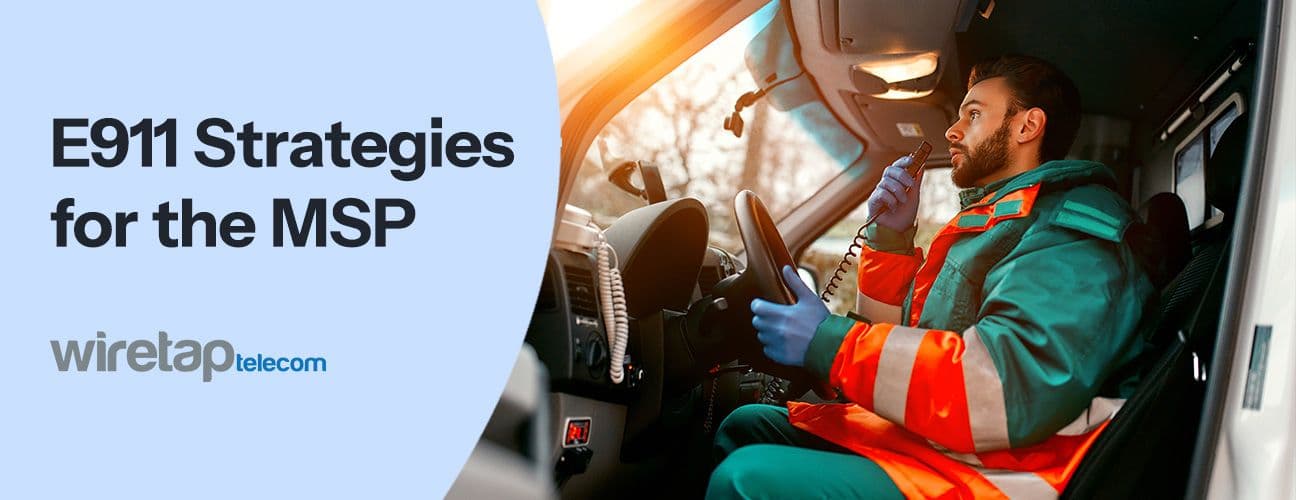
With the complexities of remote and hybrid work environments, E911 helps responders get where they need to be faster in emergencies. If your business is a managed service provider offering enhanced 911 solutions, you're playing a valuable role in keeping companies, their employees, and their customers safe. These companies also look to you as their expert E911 partner in every area, including implementation and compliance. But balancing your clients' E911 needs with regulations can be challenging. This guide will help you navigate E911 compliance while delivering high-value solutions to your clients.
Understanding E911 Regulations
Two laws establish the main requirements for a compliant E911 system — Kari's Law and Ray Baum’s Act.
Kari's Law
Kari's Law sets two key requirements for 911 calls, which also apply to E911:
- Dialing 911 must connect the caller to emergency dispatchers without having to take any other steps.
- Dialing 911 must notify an operator at the same location as the caller. This operator could be a security office or IT department. The notification conveys that someone has called 911, provides a callback number for emergency services, and includes information about the caller's location.
Ray Baum’s Act
Section 506 of Ray Baum's Act states that a 911 call from any fixed or mobile device must convey a dispatchable location to emergency operators. This includes a street address plus any further information needed to find the caller, like a room number.
Why Compliance Matters
Complying with these regulations helps 911 callers get quick help in urgent situations. It eliminates the need to dial extra numbers for outbound calls or explain the location to operators. This can save crucial minutes and sometimes lives. According to the Code of Federal Regulations, violating Kari's Law and/or Ray Baum's Act can lead to fines of up to $10,000 plus $500 per device per day. Providing noncompliant E911 solutions could also expose you to expensive lawsuits.
E911 Solutions for MSPs
Depending on your clients' needs, their ideal E911 solution will differ. You have a few different approaches and features to consider providing.
3 Approaches to E911 Systems
E911 systems fall into three main categories:
- On-premise solutions: On-premise solutions use on-site software and hardware to relay information to local operators and emergency dispatchers. They work well for small- to medium-sized businesses operating from a single location.
- Cloud-based E911: These solutions use a connection to third-party cloud-based software to route the caller's information to their nearest public safety answering point (PSAP). Cloud-based E911 is ideal for large companies with several locations and companies with remote workers. This flexible, scalable approach can serve the most diverse and dynamic business needs.
- Hybrid solutions: Hybrid E911 systems combine on-site and cloud-based elements. On-premise infrastructure can support and route calls from the main location, while the cloud system handles calls by any workers away from the main site. This can benefit companies with dynamic workforces, though it's not as cost-efficient and easy to implement as a pure cloud solution.
Key E911 Features
Needs vary between businesses, but some of the features your clients may want in an E911 solution include:
- Notification systems: The most vital features for compliance are those that ensure the right operators and dispatchers receive accurate location information.
- Dynamic location updates: Businesses with remote teams or off-premises operations need real-time location tracking to provide updated information wherever employees dial 911 from.
- Multidevice support: Your E911 solution must cover all work devices, from desk phones to cell phones and softphones.
- Integration with existing systems: A new E911 solution must be compatible with the company's existing telecommunications systems for cost-effective and time-efficient integration. Compatibility with their Public or Private Branch Exchange (PBX) and Unified Communications as a Service (UCaaS) systems is vital unless they are interested in switching systems.
- Reporting and analytics: Clients may want the system's notification functions to be compatible with their internal reporting and analytics systems. This can provide data-driven insights to improve employee safety and identify any implementation issues.
Developing an E911 Strategy
Because each client's needs are unique, you need a framework for offering them a tailored E911 solution. Use this four-step process to help your clients with E911 implementation:
- Client assessment: Evaluate your client's existing E911 or telecommunications infrastructure. Check the number and size of their locations, whether their employees are on-site or remote, and other factors that could impact your choice of E911 system.
- Solution selection: Recommend an E911 solution compatible with their needs and budget. Ensure it has all the features they need. Choose a reputable provider with good reviews and robust customer support. If you have questions about specific features, reach out to the provider to discuss your client's needs before committing to a solution.
- Implementation and training: As an MSP, one of your greatest value-adds is hands-on implementation support. Walk your clients through the process, ensuring accurate location data inputs and proper configuration of notifications and alerts. Every employee should receive the resources and training they need to feel confident with the system.
- Ongoing management and monitoring: Remain accessible to your clients to address questions, assist with updating location information if necessary, and support periodic training sessions and drills.
E911 Best Practices for MSPs
To stay competitive in your market, you have to provide consistent service that builds and protects your reputation. Follow these E911 best practices to promote client success and retention:
- Prioritize communication: Reach out to clients with clear, personalized communications to ensure they understand your E911 solutions. Always give them the option to connect with a human and receive prompt customer support.
- Stay in touch with regulations: Track any regulatory changes affecting your clients, including new laws and amendments to existing policies.
- Document procedures and policies: Though clients have unique needs, many aspects of your E911 processes will be repeatable. Document your policies and procedures to improve consistency and refine your service over time.
- Partner with reputable providers: Compare providers to find the most cost-effective, flexible, and scalable solutions for your clients.
Partner With Wiretap Telecom for Reliable E911 Solutions
Your E911 service can only be as good as the solutions you have to offer. Partner with a provider who, like your clients, is Always on the Move. With Wiretap Telecom's E911 services, you can offer your clients:
- E911 covering unlimited locations nationwide.
- Compliance with Kari's Law and Ray Baum's Act.
- Low prices with a flat fee pricing structure.
- User-friendly functions for adding new numbers and remote work locations.
- Reliable routing with precise latitude and longitude information.
- Quick and easy setup.
- Compatibility with all devices. Schedule a free demo to learn more about Wiretap Telecom's E911 services.
Want this on your own network?
We are a carrier service provider, not a reseller. Send us the bill you pay now and we will price the same service at our published rates.